Camera, lighting and grip lists

Mobile app for making gear lists.

Cinecyclop mascot

Build camera, lighting and grip lists in one app, then send a clean PDF to the rental house.

Camera, lighting and grip. All three.

Camera, lighting and grip use the same workflow. Start from the catalog, add anything specific to the job, and keep one list that the crew and rental house can both read.

Follow Cinecyclop

What is Cinecyclop?

Cinecyclop helps you build an equipment list, share it with the crew and export a PDF the rental house can read. Dates, collaborators and the DMX patch stay with the project.

Who is it for?

DPs, gaffers, electricians, camera assistants, grips and production teams preparing equipment lists before a rental-house call.

What it does

It sorts gear by family, keeps project information attached, syncs collaborators, checks lists and exports a readable document.

Name variants

The official name is Cinecyclop. Searches like cine cyclop, cyclope, cinecyclope or cine cyclope app usually refer to this app.

Swipe through a gear prep.

The screenshots follow the same prep on desktop, iPad and phone, all the way to the rental-house PDF.

Cinecyclop on iPad with lighting equipment list
iPadPrep, catalog and gear lines stay visible.
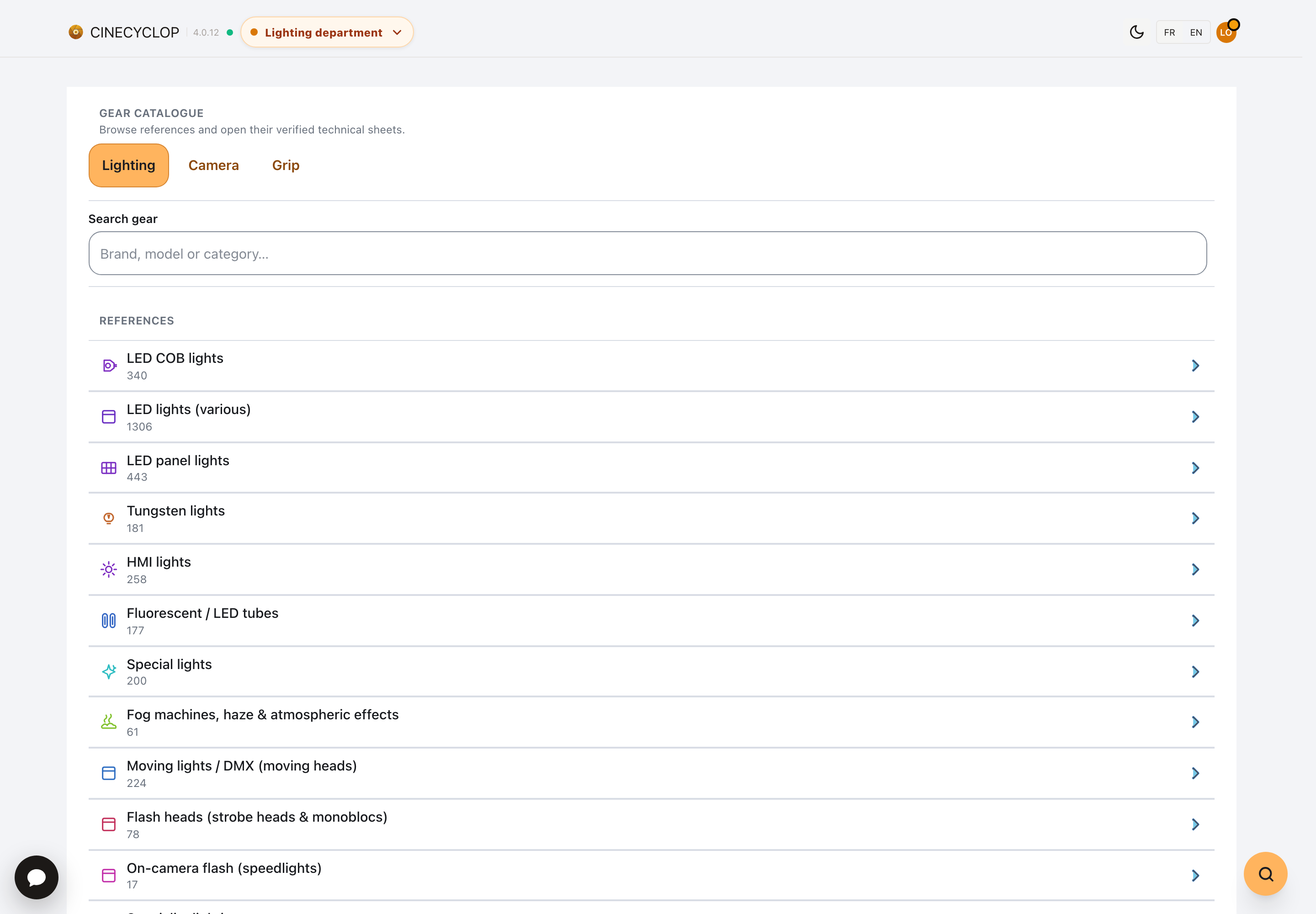
Cinecyclop on desktop with lighting gear list and PDF preview
DesktopWide view for checking a list before sharing.
Cinecyclop sharing page with contacts, roles and project invitations
SharingContacts, roles and access rights for working on the same list.
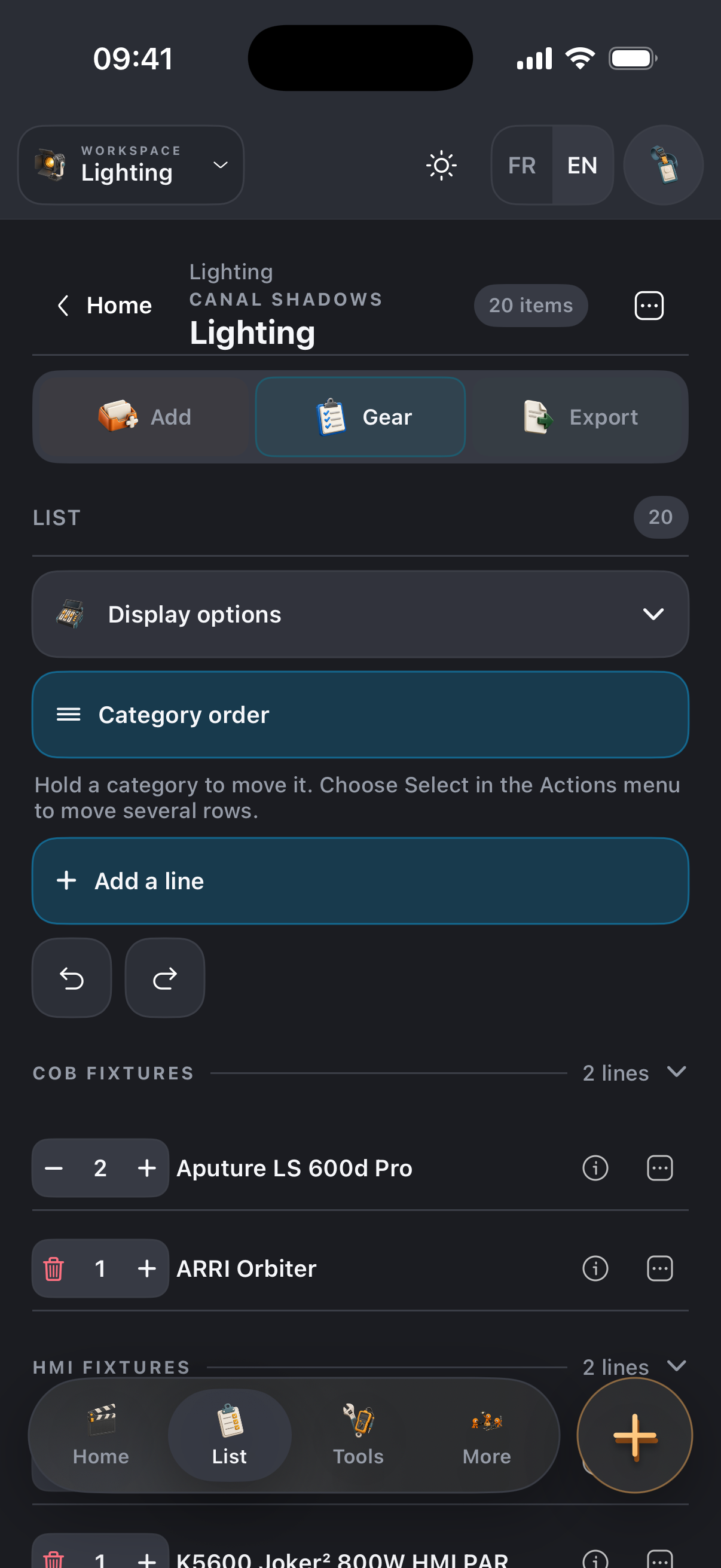
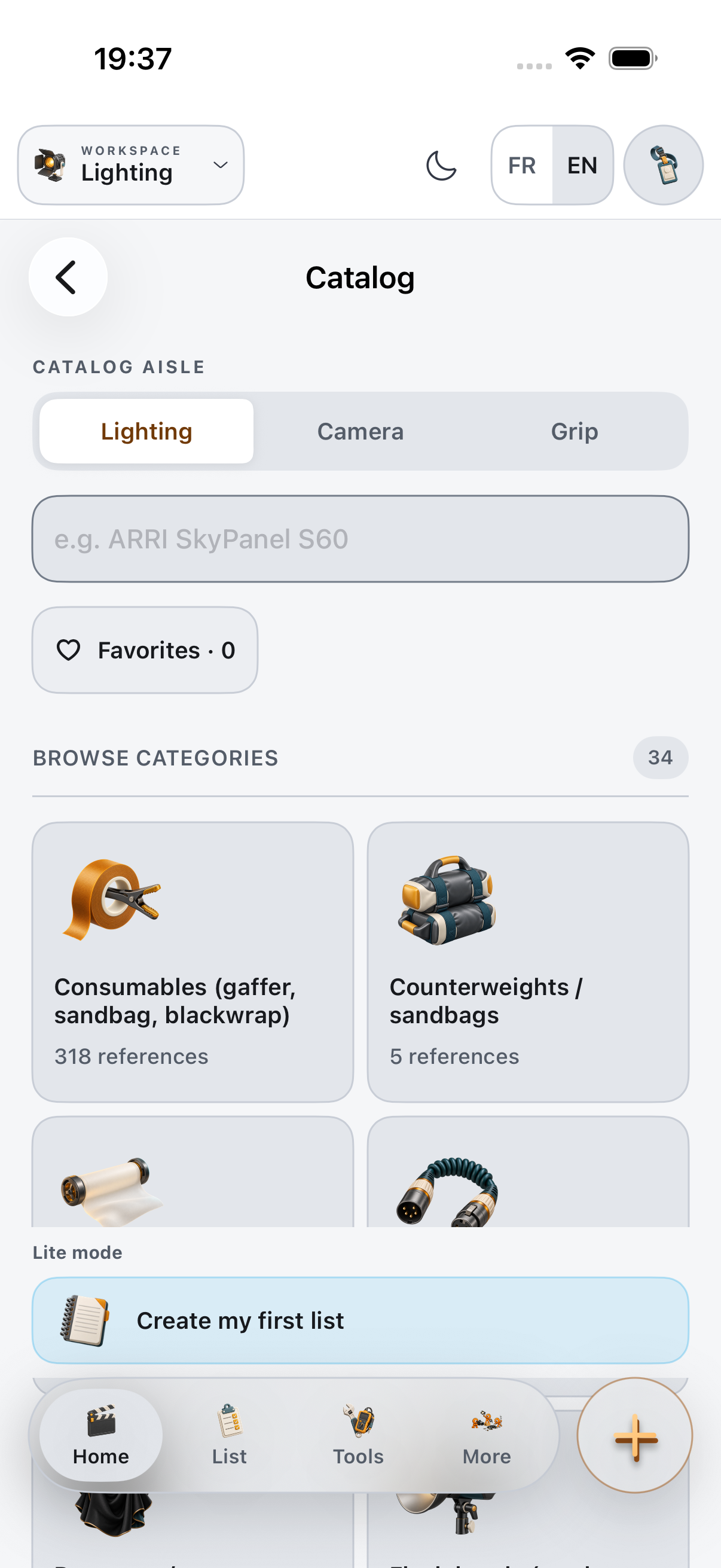
Cinecyclop on iPhone with lighting equipment list
iPhoneQuick checks between two prep updates.
Anonymized Cinecyclop lighting equipment PDF render
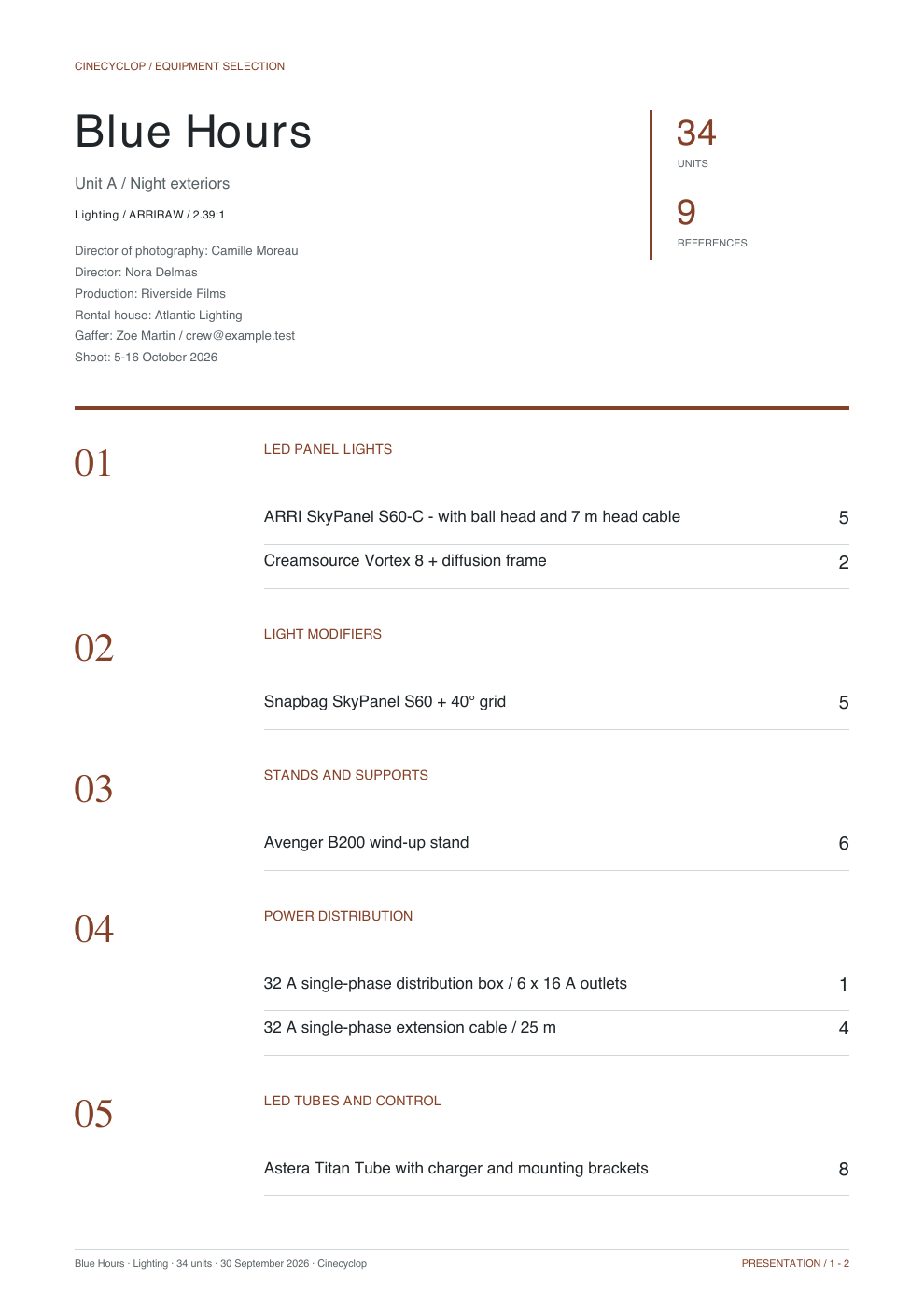
Rental PDFAn anonymized export made for reading.

Fast entry

Add a line. The list follows.

The clip follows a real entry, from finding the gear to checking the finished line.

Cinecyclop English interface while adding a lighting item

It starts with the list your rental house has to read.

Once a list starts circulating in several versions, accessories go missing. Cinecyclop keeps the prep together until the rental house replies.

Camera, lighting, grip

The equipment families are set from the start.

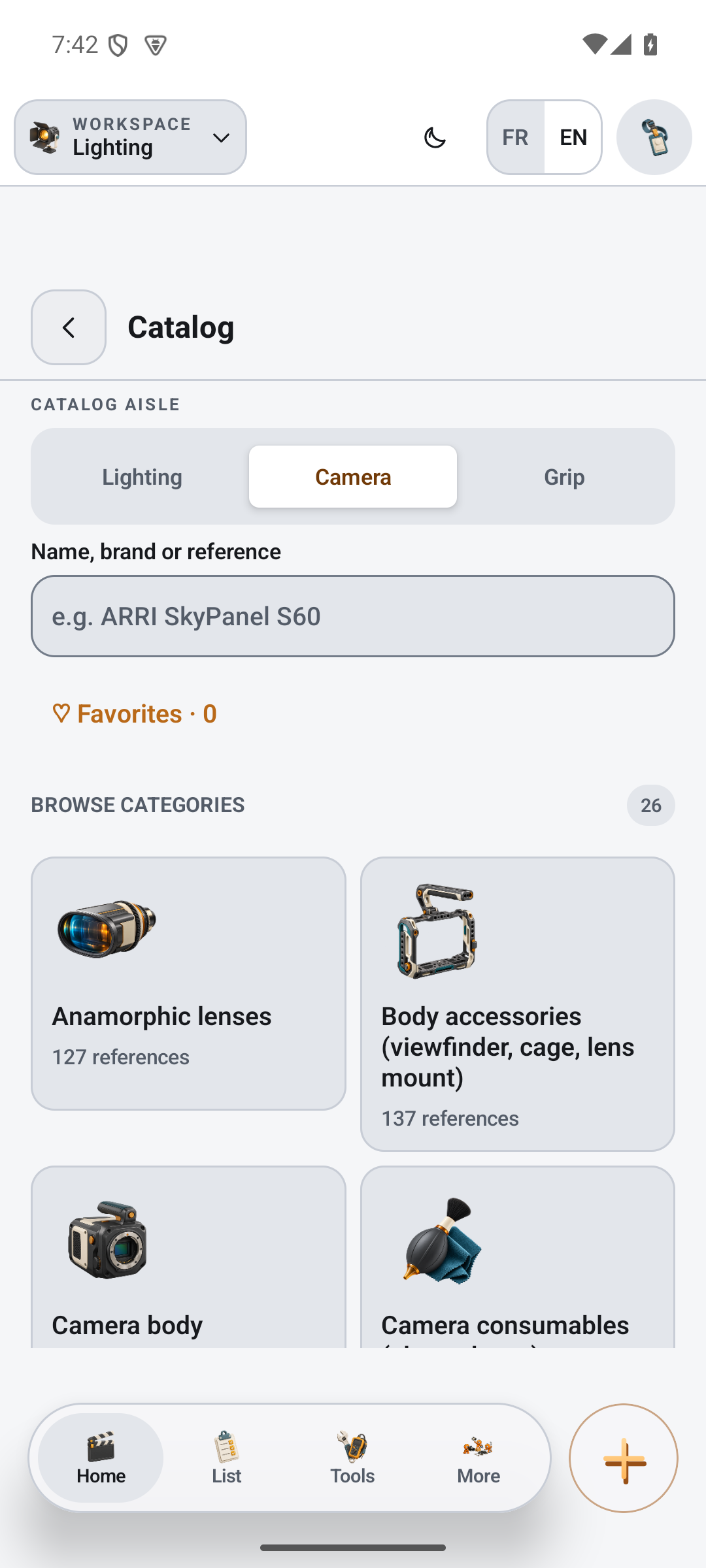
Cameras, lenses, sources, power, DMX, lighting grip, rigging and safety gear stay tied to the project. You do not rebuild the structure for every new list.

  • Camera, lighting and grip in the same list.
  • Gear organized by department and family.
  • Dates, production info and collaborators kept with the project.
  • A readable export before you call the rental house.

Real-time collaboration

One shared list for the whole team.

Invite a camera assistant, electrician, production contact or rental house from the Sharing page. Each person sees what they need, and the prep stays synced around the same project.

  • Project contacts, invitations and roles in one place.
  • Read, edit or PDF-only access depending on the job.
  • Fewer duplicate files, fewer edits made in the wrong version.

The biggest equipment catalog

You start from a catalog, not from an old copy paste.

The biggest equipment catalog in film, across all three departments: COB fixtures, LED panels, tungsten, HMI, tubes, lenses, cameras, grip, rigging and accessories. You can add custom gear without breaking the whole list.

  • A catalog made for film, commercials and music videos.
  • Custom items when the gear is not in the database yet.
  • Fewer last minute forgotten lines.

Automatic DMX patch

Addresses are calculated from the lighting list.

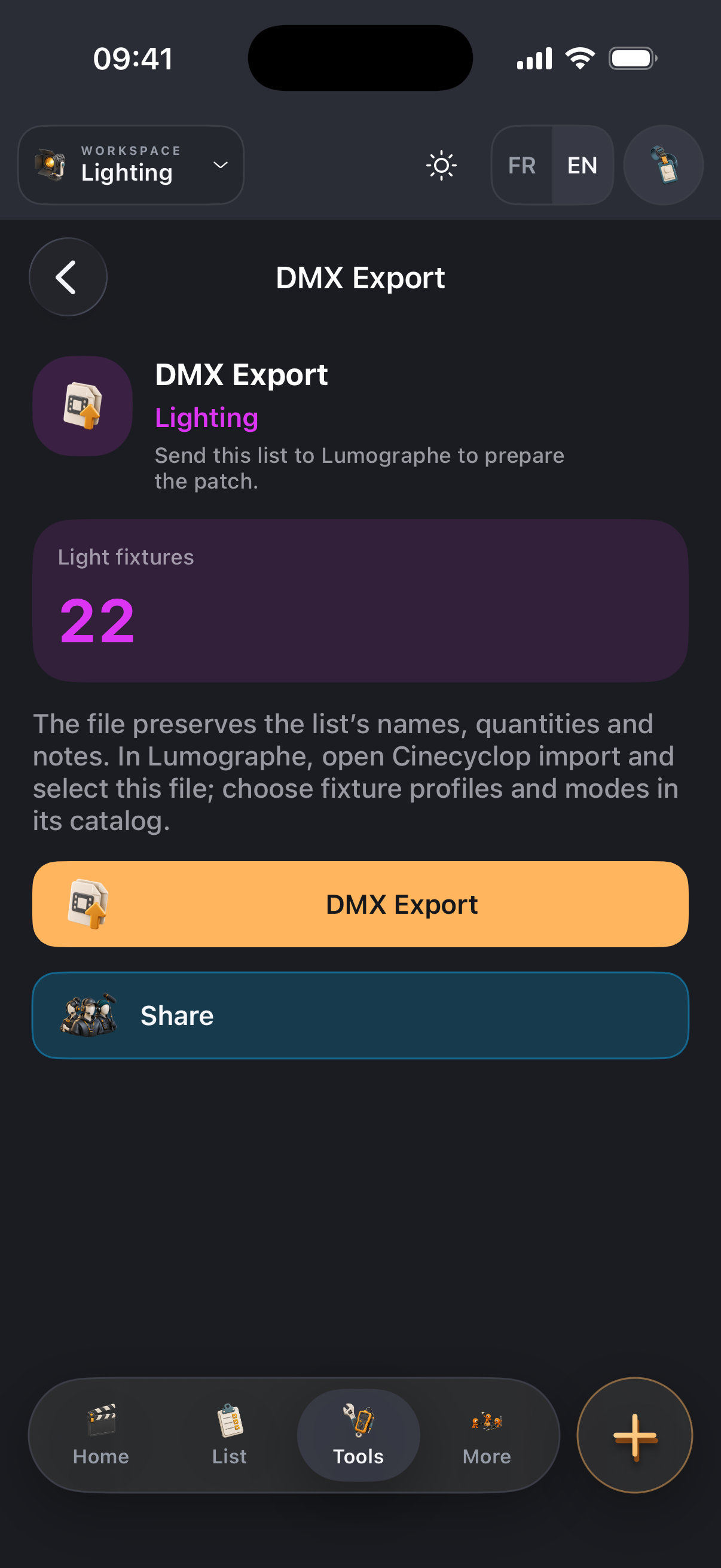
Cinecyclop detects DMX fixtures in the list, suggests a mode, packs fixtures by universe and prepares a Blackout-compatible CSV export.

  • 512-channel universes, without splitting a fixture.
  • Adjustable spacing, order and DMX mode.
  • .csv export when the list needs to move to the lighting desk without retyping.

PDF and photometry

Prep stays in the same tool.

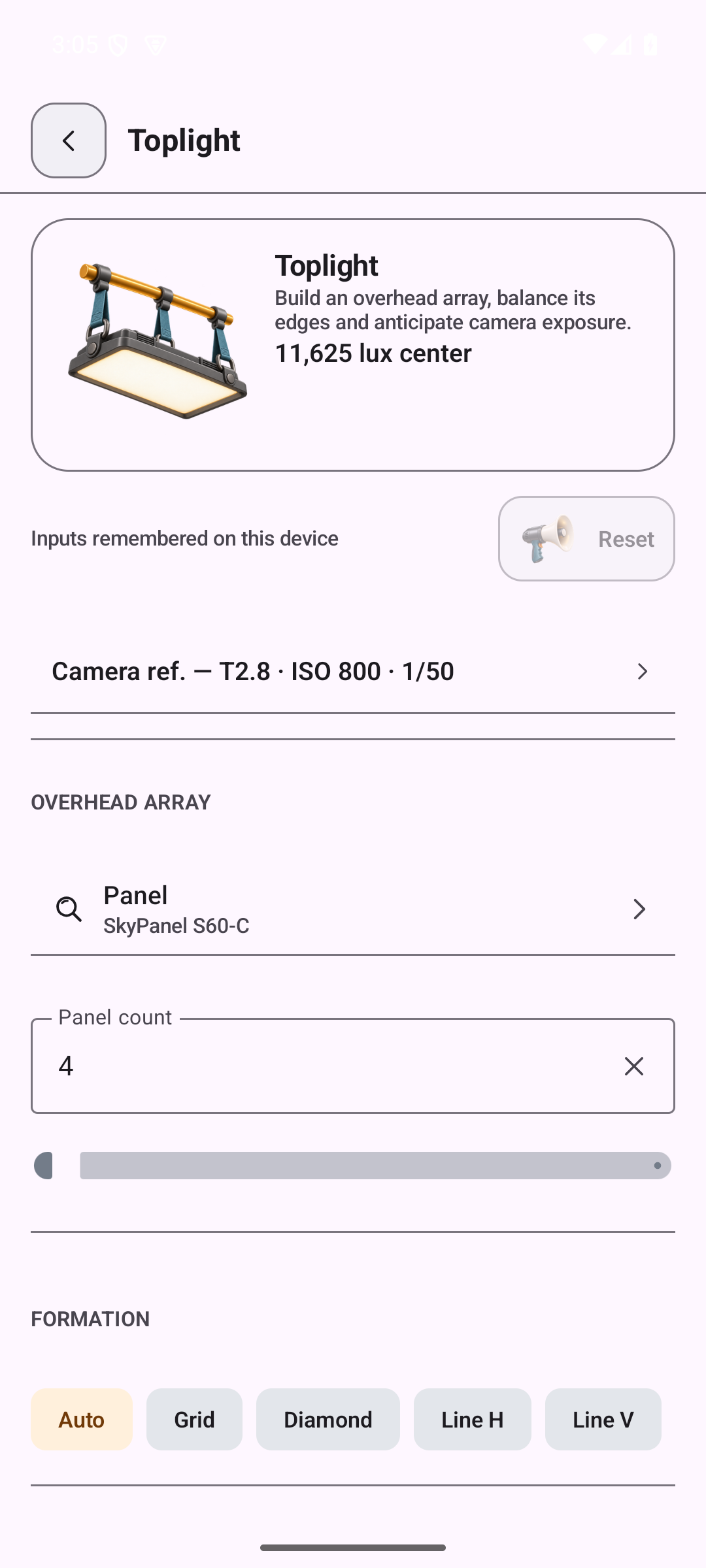
Import a rental or production PDF, check what is really missing, and keep cyclorama, fall-off, softness and coverage calculations next to the project.

  • PDF analysis when you need to read a list faster.
  • Photometry tools for DPs, gaffers and electricians.
  • A list ready before the truck leaves.
Cinecyclop lighting equipment PDF preview
PDF preview
Cinecyclop photometry softness prediction diagram
Softness prediction

API & MCP

Connect Cinecyclop to Claude or ChatGPT

Cinecyclop can be driven by an AI assistant through its API/MCP: create a project, prepare an equipment list, add items, search the catalog, generate a DMX patch or read a project preview.

There are two paths: use Cinecyclop with a private API key in Claude Code, or connect your account directly with OAuth/account linking in compatible clients.

1. Short term: Claude Code and MCP clients with headers

Available now with Claude Code and MCP clients that can send an Authorization header. The canonical Cinecyclop MCP URL is:

https://mcp.cinecyclop.fr/mcp

Create a key in Cinecyclop, keep it in an environment variable, then add the MCP server:

export CINECYCLOP_API_KEY='csc_...'
claude mcp add --transport http cinecyclop https://mcp.cinecyclop.fr/mcp \
  --header "Authorization: Bearer $CINECYCLOP_API_KEY"
  • The API key stays private and should never be pasted into a public conversation.
  • The server infers your account from the key: do not provide or invent a user identifier.
  • Deletions remain protected by a dedicated scope and explicit confirmation.

2. OAuth enabled with account linking

OAuth is enabled on Cinecyclop. Compatible clients can open the authorization flow, connect your Cinecyclop account and use MCP without pasting an API key into the assistant interface.

  • Name: Cinecyclop
  • Remote MCP server URL: https://mcp.cinecyclop.fr/mcp
  • Connection: OAuth account linking with your Cinecyclop account
  • API key: not needed when the client uses OAuth
  • Public listing: subject to Claude / ChatGPT Apps review

Good to know: OAuth is ready on Cinecyclop, but appearing in ChatGPT's Apps gallery or as a ready-to-use Claude connector still depends on platform review.

Prompt examples

Create a Cinecyclop project, add a lighting list, sort the items by category, generate a rental-house PDF.
Analyze this equipment list and prepare the camera, lighting and grip departments.

Recommended tools

  • cinecyclop_api_session: check the connection
  • cinecyclop_agent_runbook: choose the right tool
  • cinecyclop_quick_start: create a project, list and items in one call
  • cinecyclop_search: search the catalog
  • cinecyclop_parse_list: parse a pasted list
  • cinecyclop_add_list_items: add equipment
  • cinecyclop_upsert_list_items: add up or set quantities
  • dmx_modes: find DMX modes
  • dmx_generate_patch: generate a DMX patch

Security

  • Never paste your API key into a public conversation
  • The server infers your account from the key
  • Deletions require a special cinecyclop.delete scope
  • Deletions require confirmDelete: true
  • The API refuses scraping, unbounded mass export and catalog cloning
"I wanted a gear list a rental house could use, not another last-minute document."

Built by a working film technician.

Come Nolo builds Cinecyclop alongside his work as a gaffer. The wording, equipment families and priorities come from set.

One month on your next prep

Use it before your next gear list.

Use the free month on a real list, make your corrections and export it. No card for the trial, and the subscription cancels in one click from your account.

Cinecyclop

4.17 €/month

49.99 €/year, billed annually. One month free trial.

App Store reviews

Rate Cinecyclop after a finished list.

The useful reviews come from people who have prepared a camera, lighting or grip list. An App Store review also helps the app appear when people search for “cine cyclop” or “cinecyclope”.

Choose a rating, then open the App Store.

Rate on the App Store

Before you install it

Answers to the questions that come up before you replace your own files.

Trying it, paying for it

What does it cost?

49.99 € a year, which works out at 4.17 € a month. There is one offer, and it caps neither the number of projects nor the number of lists. The first month is free and asks for no card.

Do I need an account to try it?

No. You can open the app, build a project and produce a PDF without creating anything. The account is what saves to the cloud, finds your lists again on another device and lets you share a project. As a guest, everything stays on the device.

Do my lists belong to me?

Yes. The PDF comes out whenever you want, and "Export my data" produces a full JSON, local and cloud together, with projects, lists and contacts. You do not have to stay subscribed to get your work back.

On the shoot

Does it work with no signal?

For your own projects, yes. The app installs like an application, keeps its files locally and calculates on the device: the list check, weight, power, the patch. One exception worth knowing before you head to a location: a project someone else shared with you stays out of reach offline, because the data lives with its owner. Opening it needs a connection.

Which devices?

A browser on the desktop, iPhone and iPad through the App Store, Android through Google Play. With an account it is the same project on all three.

Camera, lighting and grip: is that three apps?

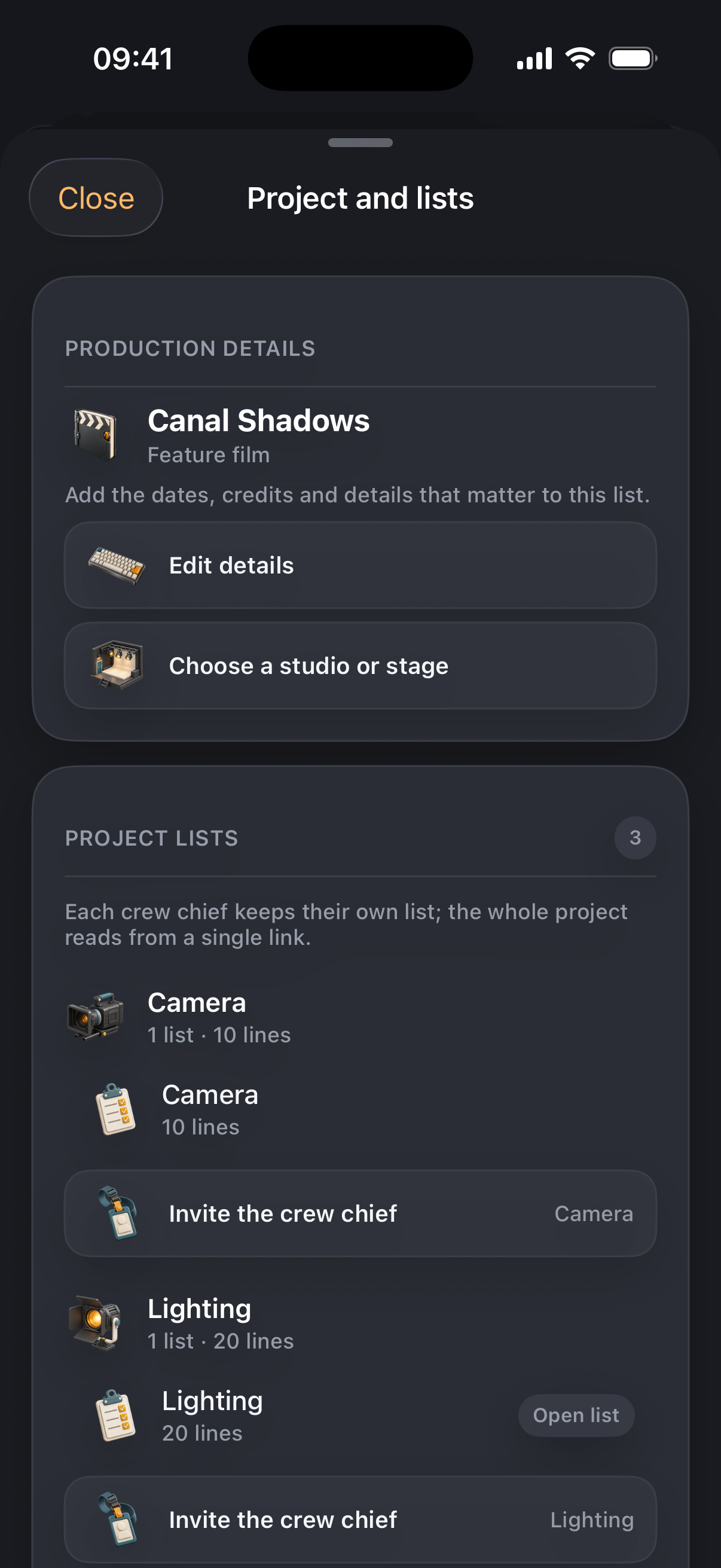
One project. You link the departments you need, each keeps its own lists, and the export brings them together in the same PDF. Unlinking a department hides it without deleting anything.

Do I have to retype the lists I already have?

No. One field takes your list pasted as it stands, in the form "4x SkyPanel S60". Quantities and catalogue matches are picked up along the way, and a line that is not recognised goes in as a custom entry rather than vanishing. You can also import an existing PDF and choose what to keep.

What comes out

What does the PDF look like to a rental house?

Six layouts depending on use: internal, presentation, field sheet, production, ledger, manifest. In French or in English, whatever language the app is set to. Each send can be frozen as a dated, signed version, which settles arguments about what was ordered.

Does it do the DMX patch?

It does. Universes of 512 channels, sequential packing, and never a fixture split across two universes. You can force addresses by hand or anchor a head to a minimum universe. The export comes out as Blackout CSV or as JSON for Luminator.

Can several of us work on one project?

Yes, through a read-only or an edit link, like a shared document. Sixteen accounts at most, the owner and fifteen guests. A reader sees the list without being able to change it.

Compared with the others

Does it replace Camlist or Crewmate?

It depends what you use them for. Cinecyclop is built around the list itself: fast entry, the check before you send, the rental PDF, and the on-set calculations that go with it, weight, power, DMX and photometry. If what you mainly need is inventory management on the rental side, that is a different job. The detailed comparison lives on comenolo.fr.

I searched for cine cyclop, cine cyclope or cinecyclope. Is this it?

Yes. The name is written Cinecyclop and often heard as Cine Cyclope, so both spellings land on the same app.